"is empty" conditional logic example
"Is empty" logic: Show additional options when a pre-selected choice is unselected or empty (e.g., displaying an alternative selection if customers remove a pre-selected option).
Free up to $3K in monthly sales. No credit card needed.
What is conditional logic for product variants?
Conditional logic for product variants allows you to decide which options to display based on customer choices during the checkout process. It dynamically adjusts options, pricing, and add-ons to provide a personalized shopping experience.
How does conditional logic work in online shopping?
Conditional logic works by showing different options based on customer selections. For example, if a customer chooses a specific product variant, such as a red t-shirt, the website will display available sizes for red t-shirts. Conditional logic tailors the shopping experience based on customer choices.
Why should I use conditional logic in my checkout?
Conditional logic offers several benefits, including:
- Personalized product options: Show different options based on customer choices, providing customized offerings.
- Simplified shopping process: Display only relevant options, making the checkout process easier and more enjoyable for customers.
What are the types of conditional logic available?
Checkout Page offers four types of conditional logic for product variants:
- "Is" logic: Shows specific options when a customer selects a choice.
- "Is not" logic: Displays options when a customer doesn't select a specific choice.
- "Is empty" logic: Shows additional options when a pre-selected choice is unselected or empty.
- "Is not empty" logic: Displays specific options when a choice is not empty.
How do I set up conditional logic for product variants in my checkout?
Setting up conditional logic is easy with Checkout Page. Follow these steps: Edit your checkout and navigate to the Variants tab.
- Make sure you have at least two product variants set up.
- Open the settings for a variant and scroll down to the Settings section.
- Check the option for Show/hide logic to activate conditional statements for the variant.
- Create a conditional statement by selecting the corresponding variant, logic type, and specific option.
Can I use conditional logic with Stripe products?
Yes! Checkout Page integrates seamlessly with Stripe, allowing you to sell Stripe product variants and display them with conditional logic. You can easily set this up without needing any code.
How can different types of products benefit from conditional logic?
Conditional logic can benefit various types of products, such as:
- Physical and digital products: Show different options based on size, color, or variation preferences.
- Professional services: Display available service packages or appointment slots based on customer needs.
- Subscriptions and memberships: Offer different subscription tiers with varying levels of access or privileges.
- Event tickets: Provide different ticket types or workshop sessions based on customer preferences.
- Donations and crowdfunding: Display different reward tiers or specific causes based on donor interests.
- Pre-orders: Allow customers to reserve upcoming products with estimated release dates and availability status.
Live preview in test mode. Try the checkout, nothing is charged.
From template to first sale in minutes
No code, no developer. Connect Stripe once and every checkout pays out to your own account.
- 1
Make it yours
Start from this template and adjust the pricing, branding and form fields to fit your product.
- 2
Share or embed it
Embed the checkout on your website, share the hosted page, or show a QR code customers scan to pay.
- 3
Get paid through Stripe
Payments are processed through Stripe and go straight to your own Stripe account.
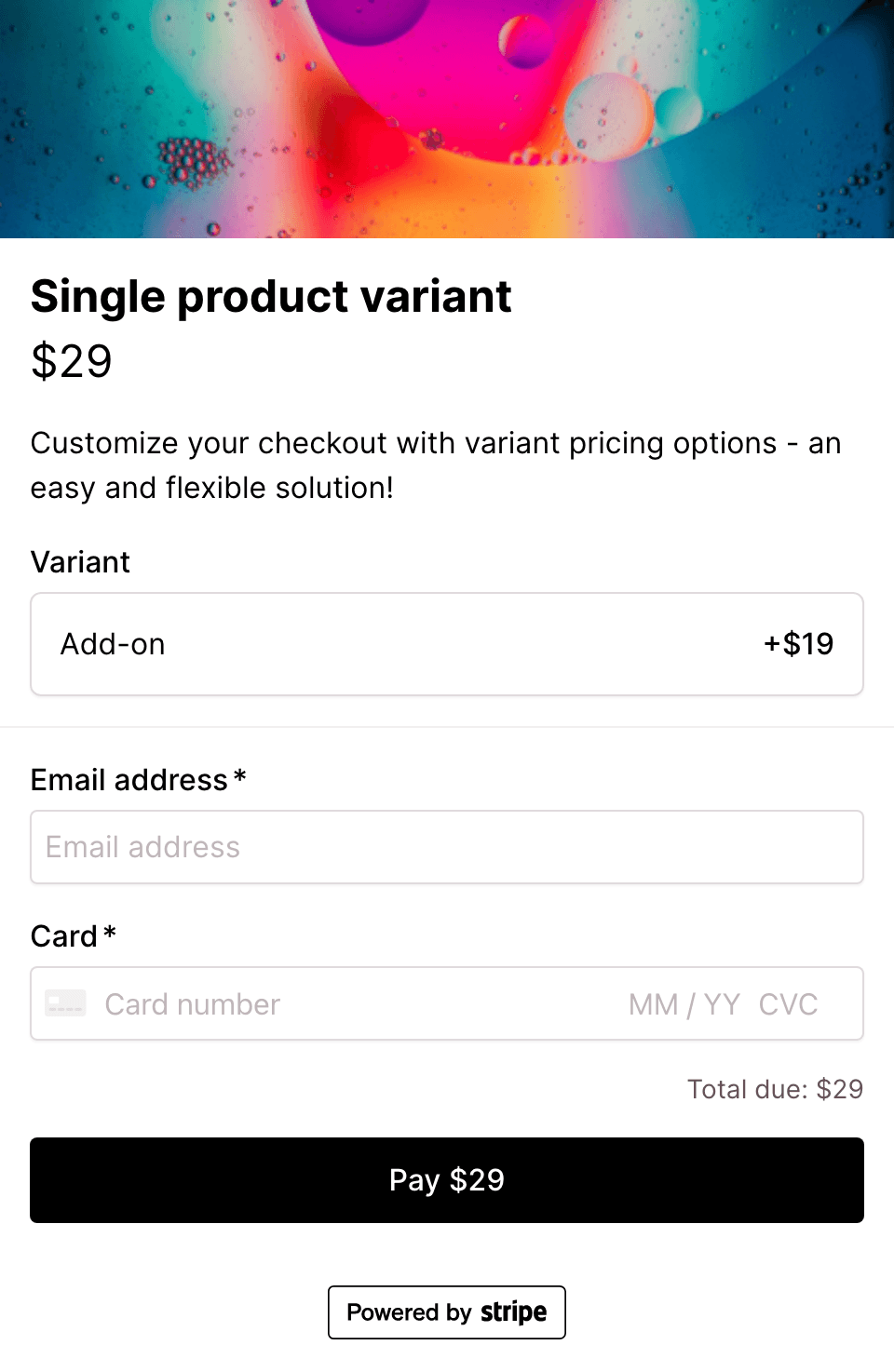
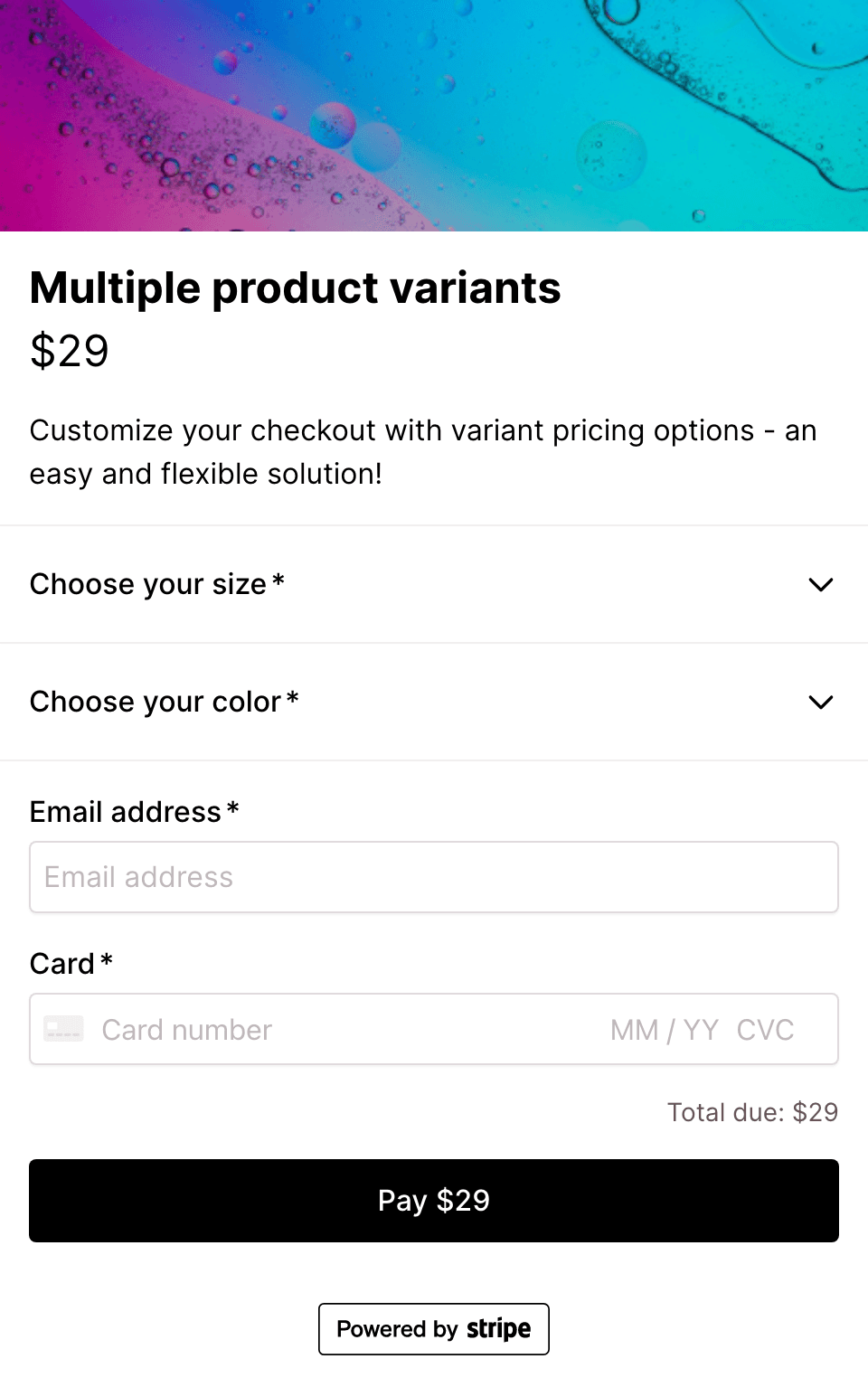
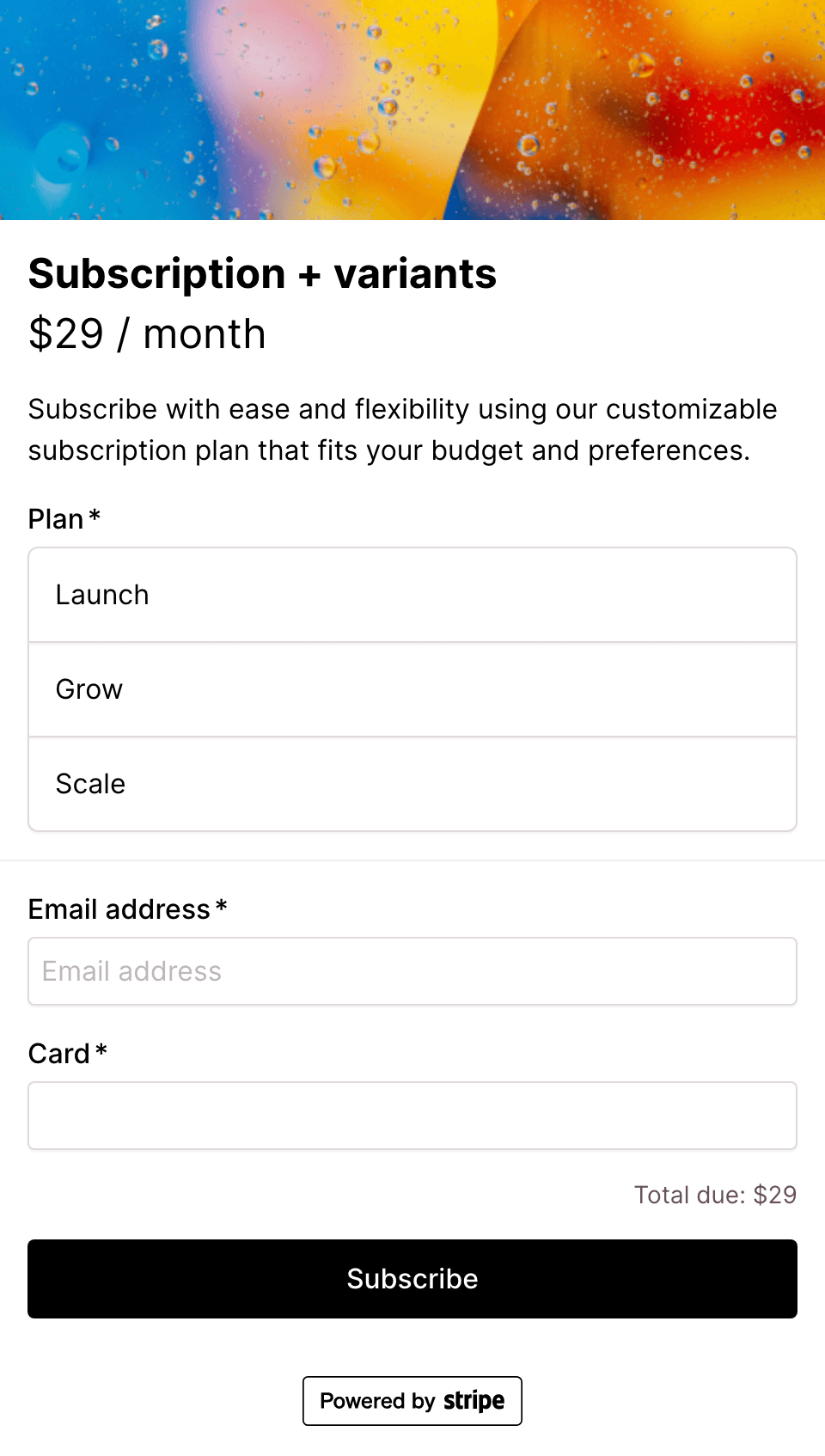
Latest checkout page templates
View all templates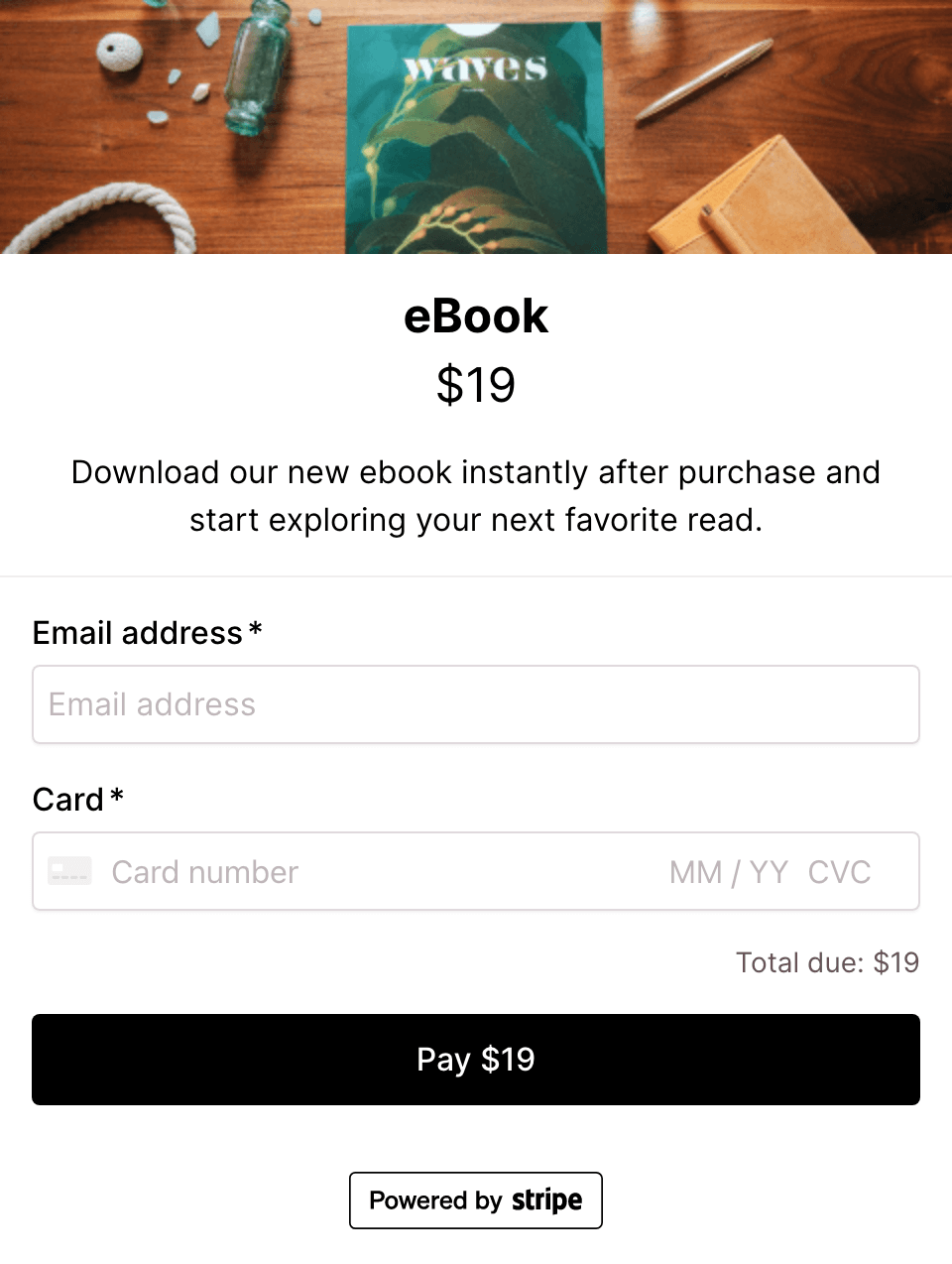
Start selling with this template
Make it yours with your own branding, pricing and fields. Free up to $3K in monthly sales.
No credit card needed.